Create your character
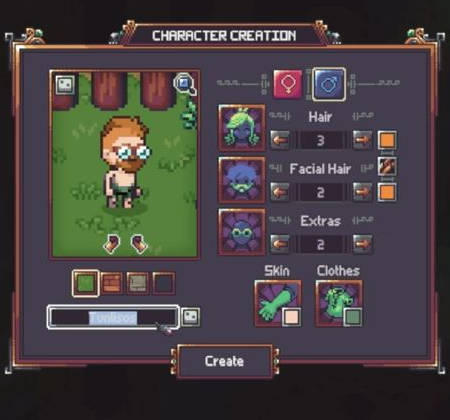
Start at the September preview’s Select Character screen and choose Create New Character. Set the appearance and name, then use Create. The demonstrated character appears in a small starting room beside a bed.
Move and interact
The Basic Controls tutorial shows WASD for movement and E to interact or collect items from the ground. Read and close the tutorial, then continue exploring the starting room.
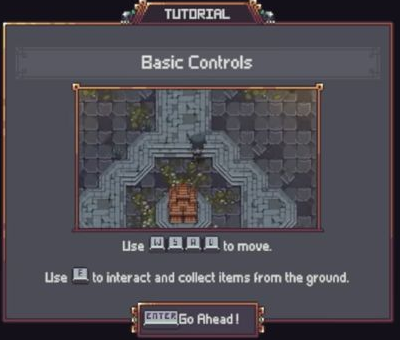
These are keyboard-and-mouse instructions from the September preview. They do not establish a controller layout for the October public Demo or Early Access release.
Open the inventory
After the first item pickup, the recording shows the Inventory tutorial. Use I to open the inventory. Ordinary items and Quest Items are separated in the interface.
This guide ends at the initial controls and inventory tutorial. It does not give a complete path from this room to every rescue, class or workstation. Later developer discussion also considered changes to the opening area, so do not treat the September room layout as a verified October route.